This site is a small WordPress install, but I wanted it built the same way I would want a client project built: code in Git, a repeatable local environment, and a release process I can explain in a paragraph.
The theme is code, the content is content
The site uses a custom block theme. Design tokens live in theme.json, layouts in HTML block templates and template parts, and the homepage in a PHP block pattern. CSS and a small amount of progressively enhanced JavaScript handle the rest. There is no page builder.
That split matters. Anything that defines how the site looks and behaves is in Git and goes through review. Anything that is content (pages and posts) is edited in the WordPress editor and lives in the database.
One trap with block themes: the Site Editor can save a customised copy of a template to the database, and that copy silently overrides the file in Git. If a theme change doesn’t appear, check Appearance → Editor → Templates for customisations before debugging anything else.
A disposable local stack
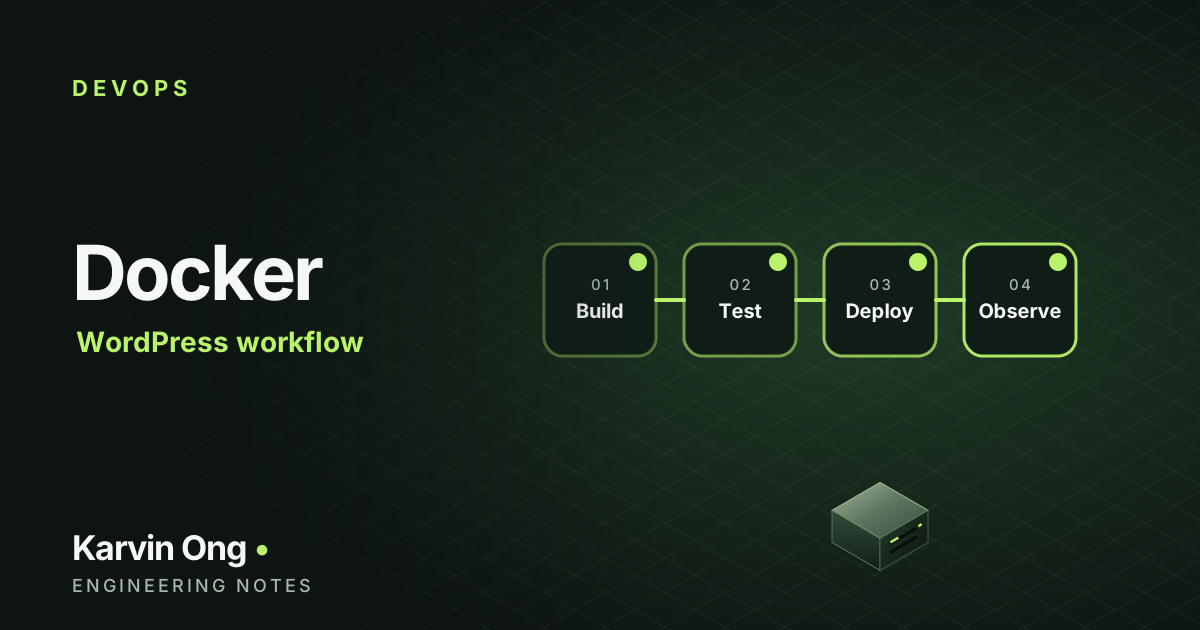
Locally, Docker Compose runs WordPress, MariaDB, phpMyAdmin and Mailpit to catch outgoing email. WP-CLI runs as a one-off container, so there is nothing to install on the host:
docker compose up -d
docker compose run --rm wpcli plugin list
docker compose run --rm wpcli search-replace 'https://example.com' 'http://localhost' --skip-columns=guid
The containers run as my host user, so files WordPress writes remain editable. Environment-specific values live in an .env file that is never committed, and wp-config.php, uploads and database dumps are all in .gitignore.
Content as a script, too
Rather than copying a local database over production, initial pages, categories and settings are created by an idempotent WP-CLI script that is checked into the repository. Run it locally to verify, then run the same script on the server. Existing content is left alone, so it is safe to re-run after edits have been made in the editor.
A deliberately boring release
- Review
git statusand the diff; merge the feature branch into the production branch. - Back up the production database and the current theme directory.
- Deploy the theme files to the server over SSH.
- Run any content or settings scripts with WP-CLI, then flush caches.
- Check the key pages, then keep the backup until the release has settled.
For a personal site, manual deployment over SSH is a conscious choice. It’s simple, visible and easy to roll back. When the release steps start to feel repetitive, that’s the signal to automate them in a pipeline, not before.